One window in focus.
The rest fades into fog.
Migla softly blurs everything around the window you’re working in. Shake the cursor to turn it on.
FreemacOS 26 · Apple silicon
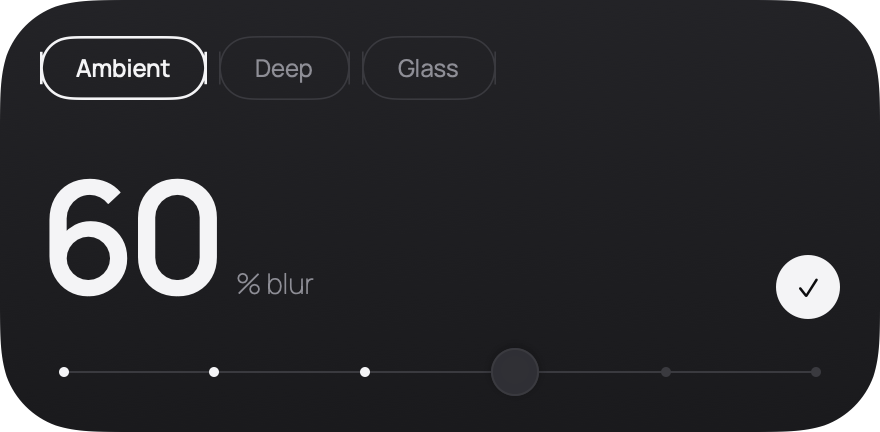
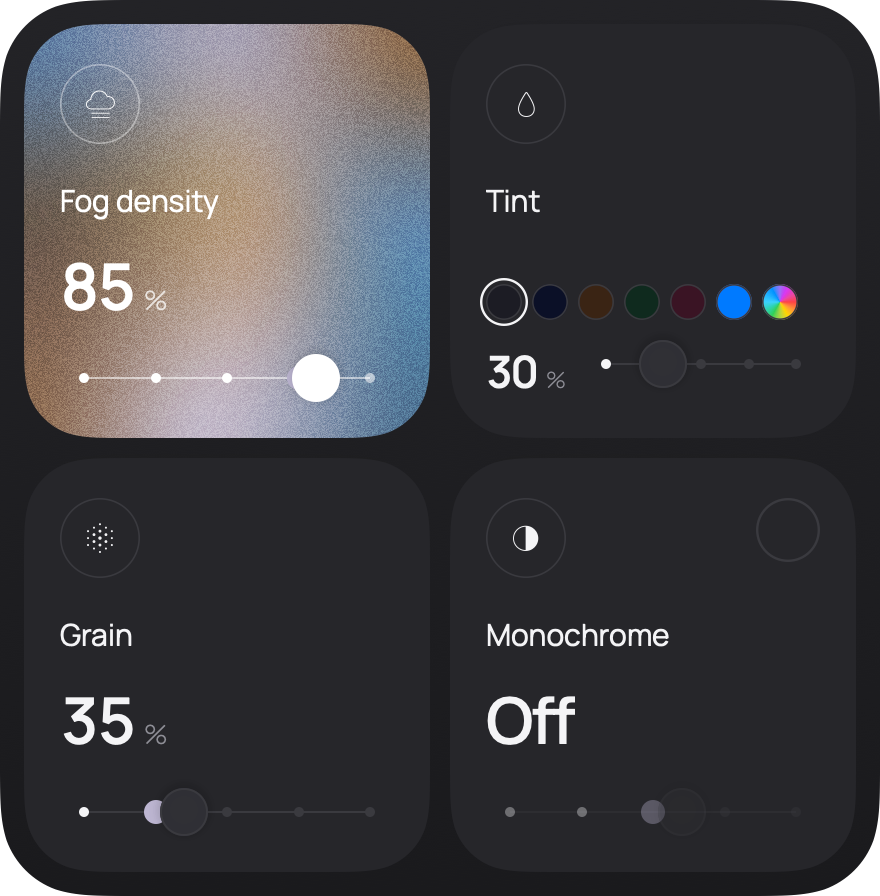
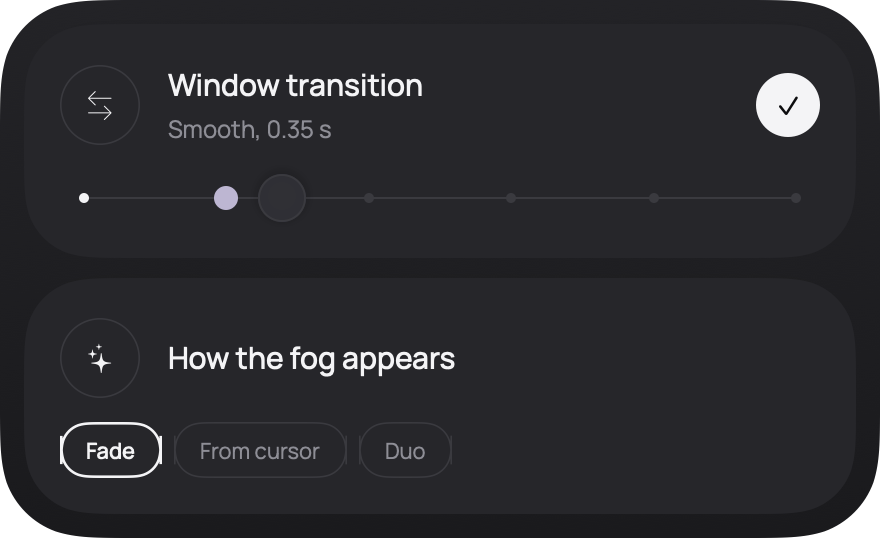
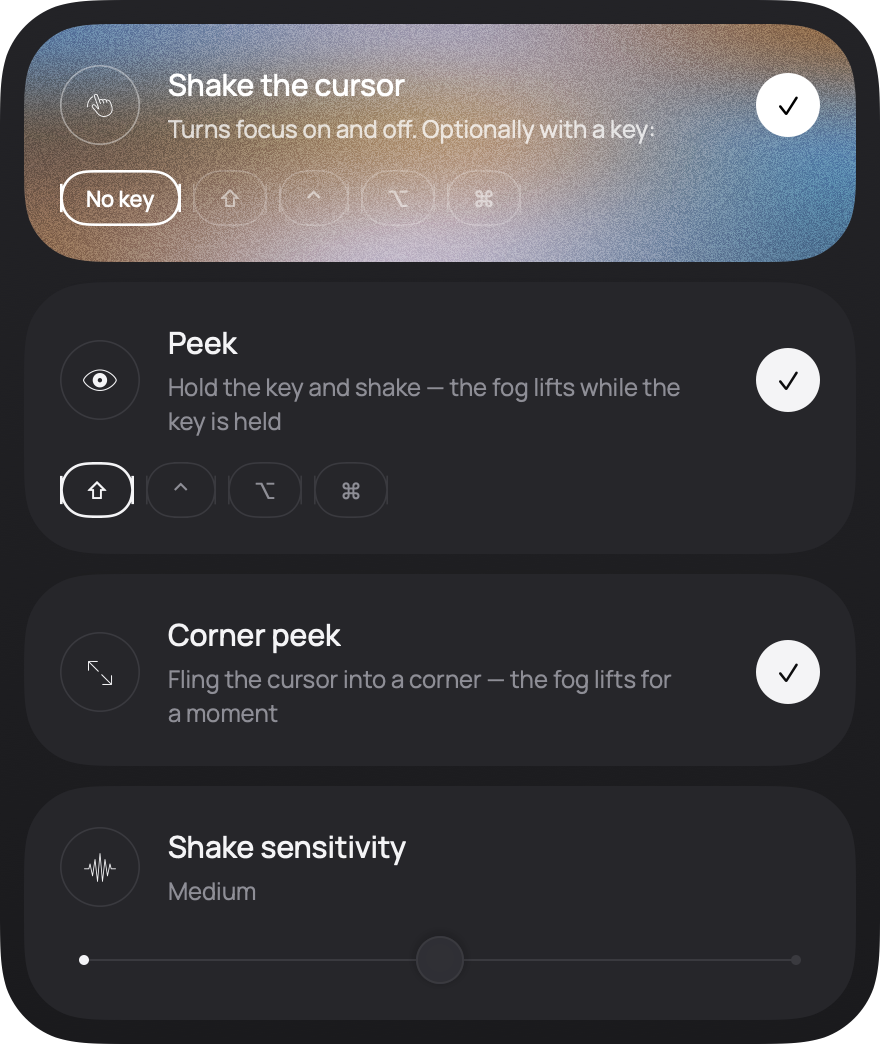
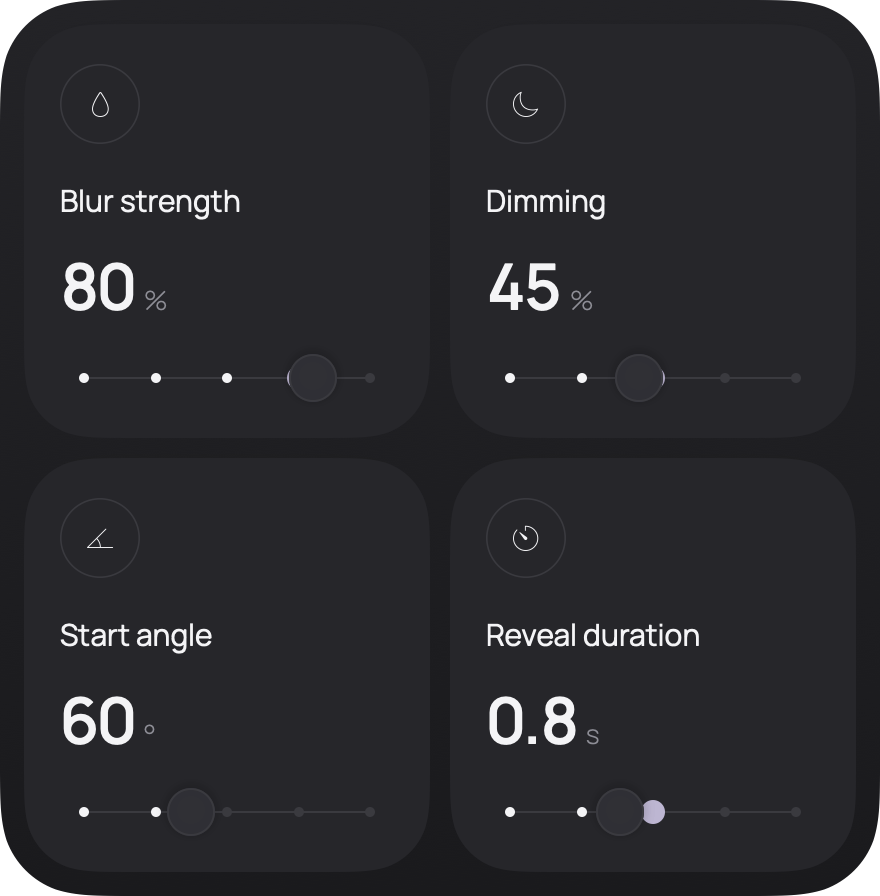
Move “Strength” to bring in the fog. Click a window to move focus to it. Shake the cursor over the desktop to clear the fog or bring it back.
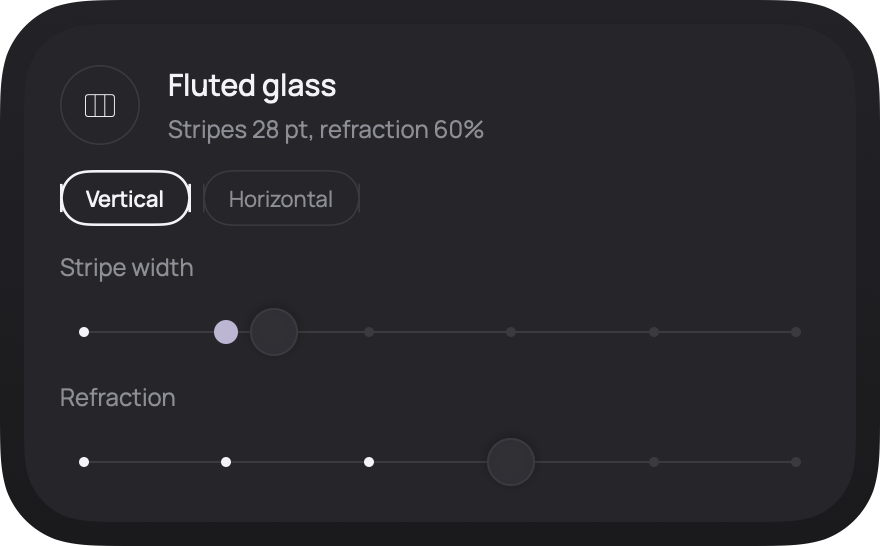
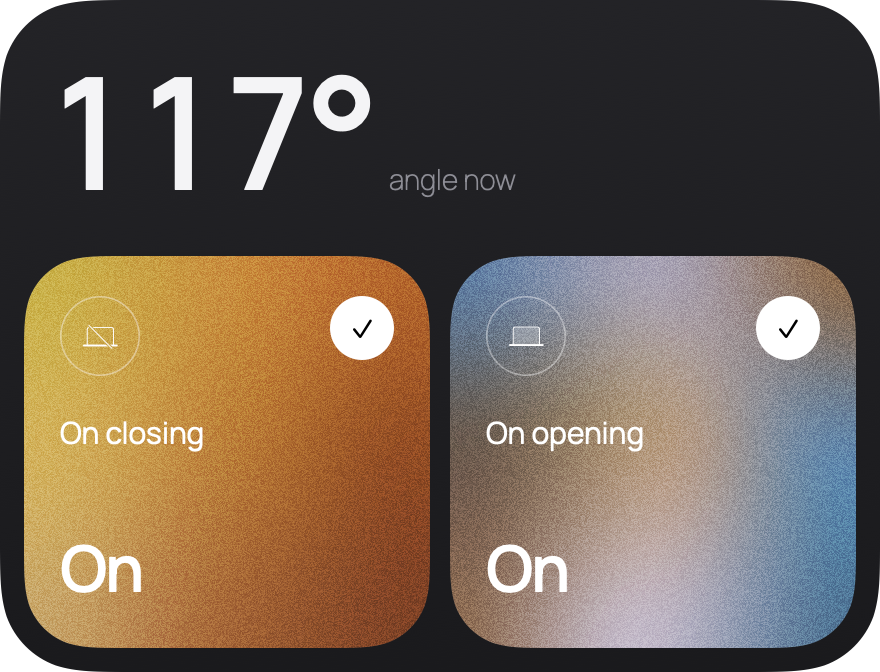
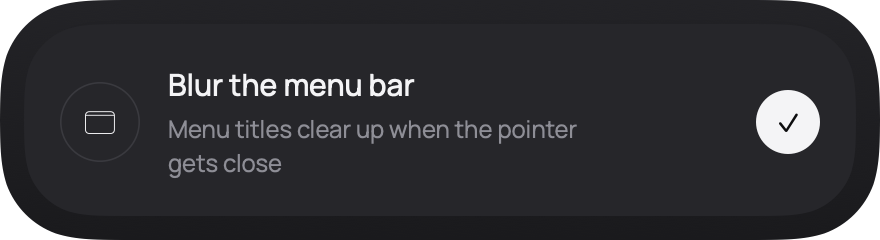
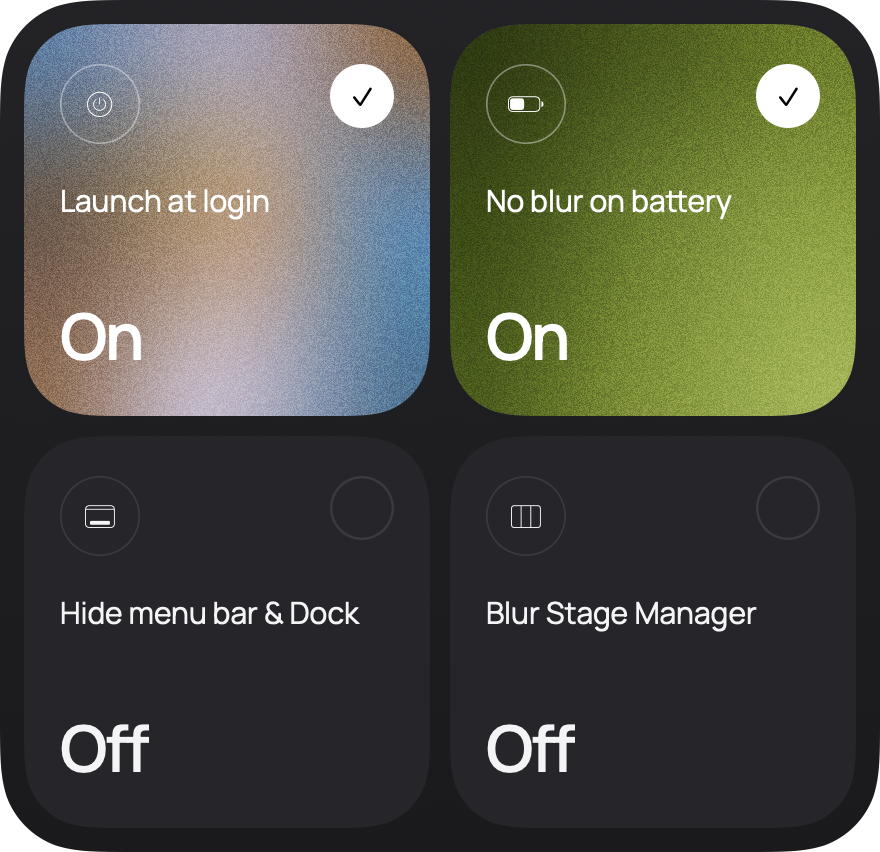
Settings
Questions
Why not just go full screen?
Full screen moves the other windows into a separate space. With Migla your windows stay where they are and simply fade into fog. To get back to them, shake the cursor.
Can two apps stay sharp together?
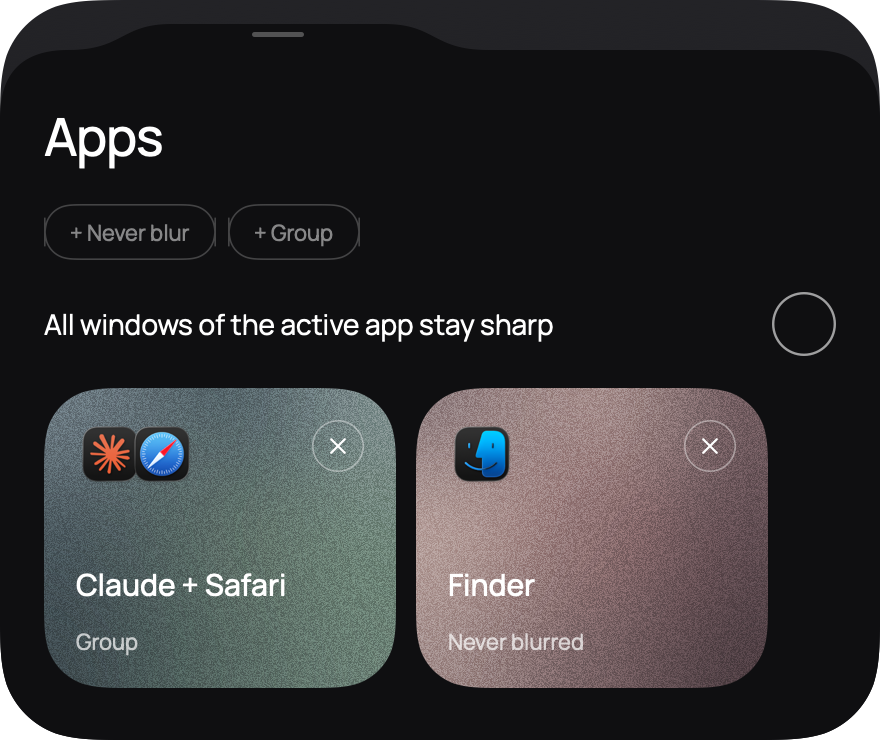
Yes. Put them in a group and they stay in focus together. You can also keep every window of the active app sharp, or list apps that should never be blurred.
Multiple displays? Stage Manager?
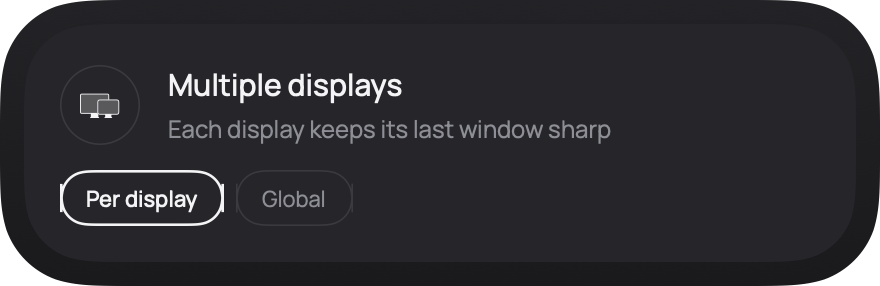
Both. Each display can keep its own window sharp, or one window stays sharp across all of them. The Stage Manager strip stays sharp by default, and you can blur it too.
Does Migla track me?
No. Migla has no analytics and never goes online.
Why won’t macOS open Migla right away?
Migla isn’t notarized by Apple yet, so on first launch macOS asks you to confirm you trust it. You only do this once: Migla installs its updates by itself.